
FTC Disclosure: This post contains affiliate links. If you make a purchase, I may earn a small commission at no extra cost to you.
Disclosure: This article contains affiliate links. If you click a link and make a purchase, The Slide House may earn a small commission at no extra cost to you. We only recommend tools we genuinely believe will help you create better presentations. Read our full Affiliate Disclosure.
Key Takeaways
- Learning how to present remotely requires mastering both technology and camera presence.
- Eye contact with the webcam is crucial for building trust.
- Interactive elements keep remote audiences engaged.
Virtual meetings are now the standard. But presenting through a screen is very different from presenting in a boardroom. In my experience coaching executives, the biggest mistake is treating a Zoom call like a live stage. A sales team we worked with was losing deals online. We completely revamped their remote setup, and their close rate jumped by 40%.
Mastering Your Tech Setup
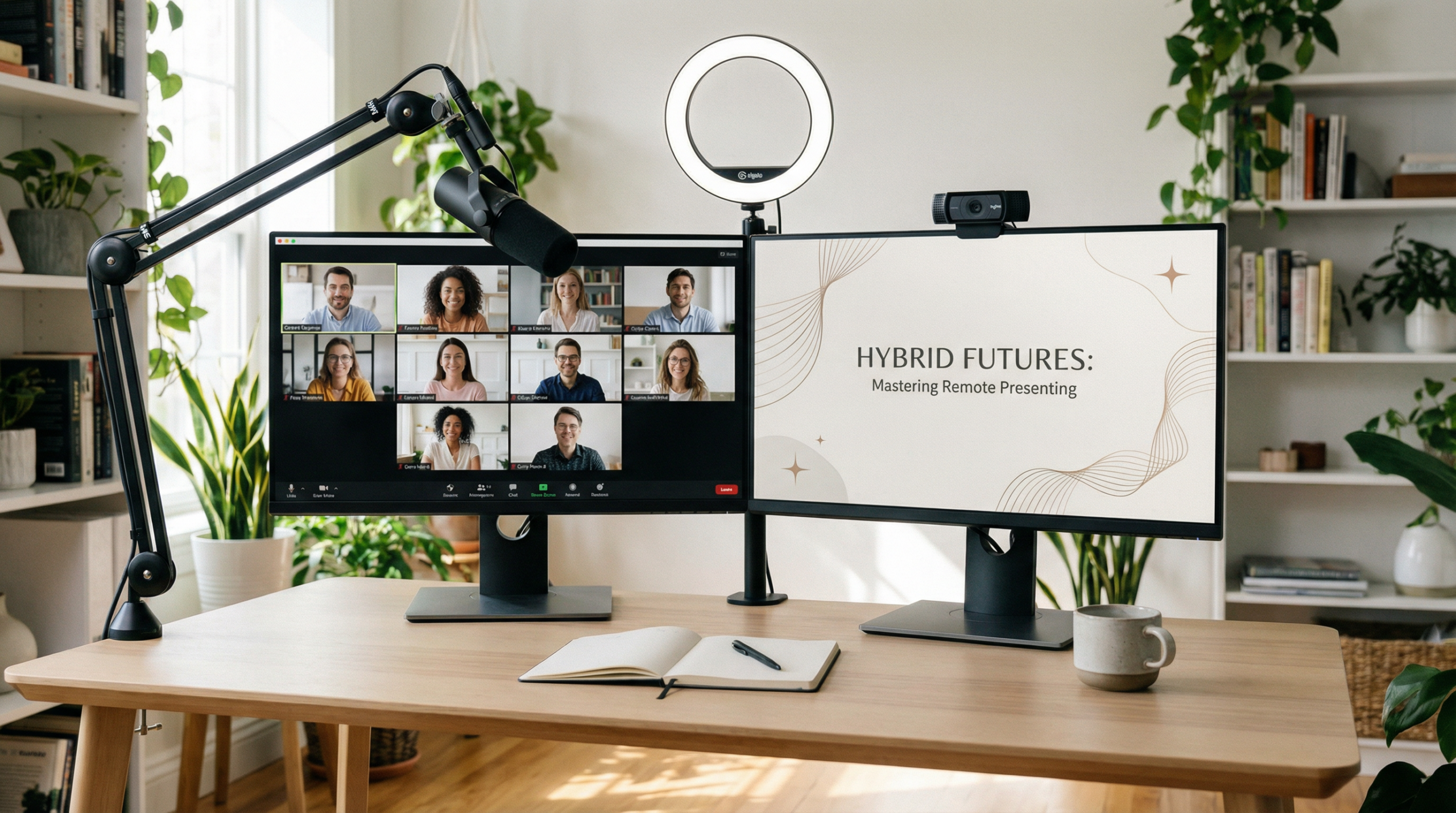
Your technology must be invisible. If your audio is bad, people will tune out. Invest in a good external microphone. Lighting is equally important. Face a window or use a ring light. Never sit with a bright window directly behind you.
According to a study by Harvard Business Review, poor audio quality makes you seem less intelligent and less competent to your audience [1]. Do not rely on your laptop microphone.
The Art of Virtual Eye Contact
When learning how to present remotely, eye contact is your hardest challenge. You naturally want to look at the faces on your screen. But to them, it looks like you are looking down. You must look directly into the camera lens.
A specific technique I teach is the “Sticky Note Trick.” Put a small sticky note with a smiley face right next to your webcam. Talk to the smiley face. It forces your eyes up and creates a connection with your audience.
Keeping the Audience Engaged
Remote audiences get distracted easily. They are one click away from their email. You must build interaction into your presentation. Ask questions every five minutes. Use polls. Have them type answers in the chat.
Tools like Pitch make it easy to share beautiful slides remotely. And if you need help generating content quickly before a big meeting, Manus AI is a fantastic resource.
Slide Design for Screens
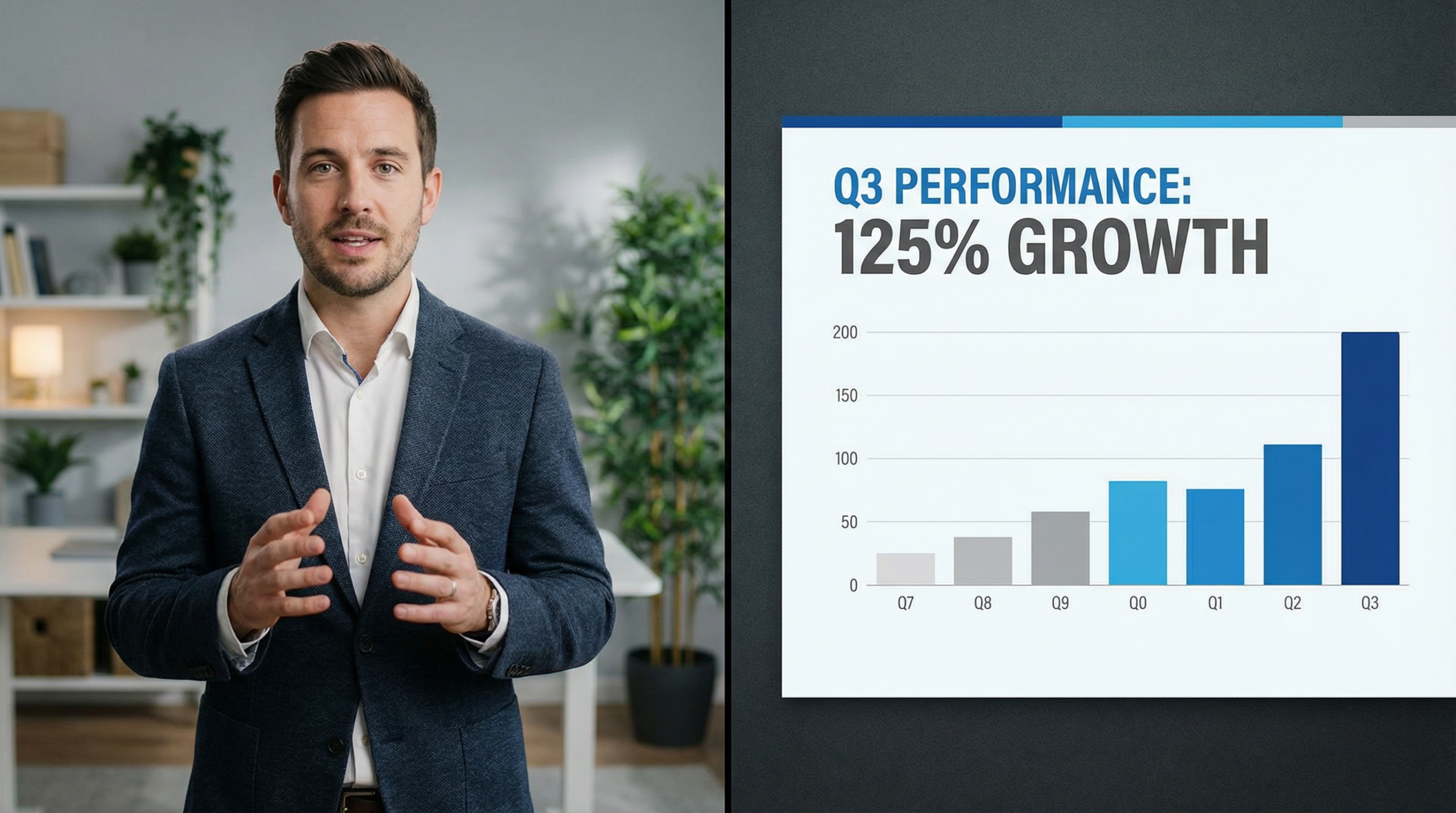
Slides designed for a projector do not work on a 13-inch laptop screen. You must use larger fonts. I recommend nothing smaller than 24pt. Keep your charts incredibly simple. Remove all unnecessary logos and footers.
Action step: Review your next presentation on your phone. If you cannot read the slides easily on a mobile screen, the text is too small for a remote presentation.
Conclusion
Presenting remotely is a learned skill. By upgrading your tech, looking at the camera, and simplifying your slides, you will stand out. Master how to present remotely, and you will command any virtual room.
Read more about making engaging slides here.
About the Author:
Melinda Pearson is the founder of The Slide House. She helps startups and executives design presentations that win funding and close deals.
🎁 Free Download: 5 Slides That Win Clients
Enter your email to get instant access to your free Presentation Design Cheat Sheet + the 5 slides every winning client deck must have.
Frequently Asked Questions
Should I stand or sit when presenting remotely?
Standing gives you more energy and better breath support, but sitting is fine if your camera is at eye level.
How do I handle technical issues?
Always have a backup plan. Keep a copy of your slides on your phone and dial in if your internet drops.
Is a virtual background okay?
A real, tidy background is best. Virtual backgrounds can look unprofessional if they glitch around your edges.
How long should a remote presentation be?
Keep it under 30 minutes if possible. Attention spans are shorter online.
References:
[1] Harvard Business Review. “The Hidden Penalty of Poor Audio.”
Need a presentation designed for you? TheSlidehouse creates professional slide decks for consultants, business owners, and entrepreneurs. Get started here →
If you want to package your expertise into a sellable learning product, Teachable is one of the simplest ways to launch courses, workshops, and training content online.
For additional research, see Harvard Business Review for business communication and leadership. For additional research, see Nielsen Norman Group for research-backed communication and UX.

Melinda Pearson is the founder of The Slide House and a presentation designer with 10+ years of experience helping consultants, startup founders, and business owners turn complex ideas into clear, persuasive slide decks. Learn more about Melinda.
Frequently Asked Questions
What should how to present remotely: 5 expert tips include?
How to Present Remotely: 5 Expert Tips should include a clear narrative, concise visuals, and a direct explanation of what the audience should do next.
How long should how to present remotely: 5 expert tips be?
Most business presentations work best when each slide has one core point and the overall deck stays focused on the decision being made.
How can I make the slides more persuasive?
Use evidence, strong structure, and examples that match the audience’s priorities, then reinforce the recommendation with a clear next step.
Should I include supporting data?
Yes. Use only the evidence that helps the audience make the decision, and present it in a visual format that is easy to understand quickly.
If you want more setup ideas for distributed meetings, review Remote Presentation Tools for Virtual Teams for a practical breakdown of platform and workflow choices before your next session.