
Disclosure: This post contains affiliate links. If you purchase through them, we may earn a small commission at no extra cost to you.
Disclosure: This article contains affiliate links. If you click a link and make a purchase, The Slide House may earn a small commission at no extra cost to you. We only recommend tools we genuinely believe will help you create better presentations. Read our full Affiliate Disclosure.
Remote work is here to stay. Presenting to a screen of silent faces is tough. You need the right remote presentation tools to keep people engaged. I’ve tested dozens of apps over the last few years. In my experience, the tool you choose matters as much as your slides.
Key Takeaways
- Choose tools with built-in engagement features.
- Practice sharing your screen before the meeting.
- Use dual monitors if possible.
- Always have a backup plan for tech failures.
1. The Best Video Conferencing Platforms
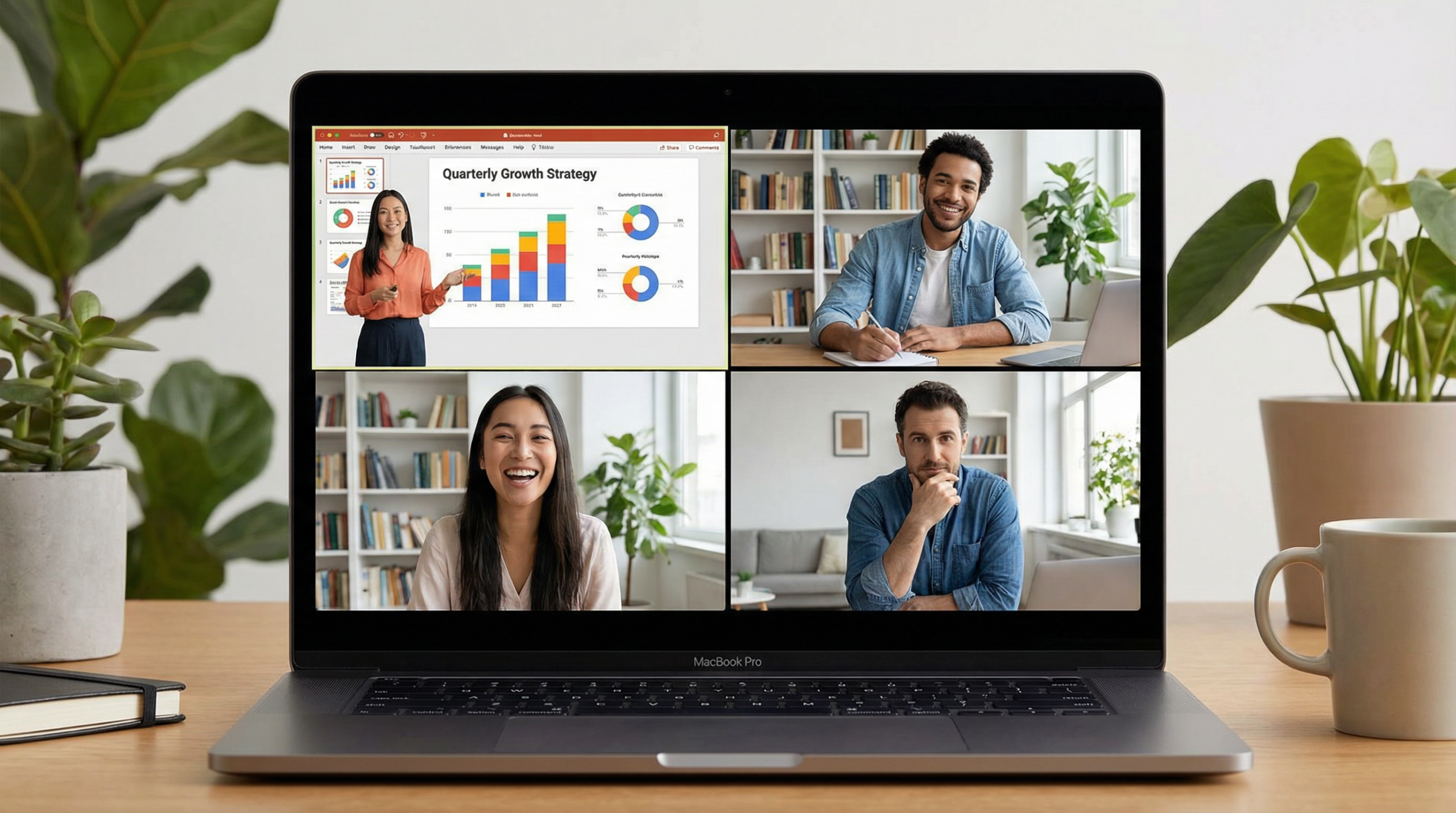
Zoom and Microsoft Teams are the giants here. They are reliable and familiar. Familiarity is good. You don’t want attendees struggling to join your meeting. A marketing agency we worked with lost a major pitch because the client couldn’t install their obscure video app in time.
Google Meet is great for quick syncs. It runs in the browser. No downloads needed. This removes friction for your audience.
2. Interactive Polling and Q&A
Talking at people for 30 minutes is boring. You need interaction. Tools like Mentimeter or Slido are excellent for this. They let you run live polls. The results show up on your slides in real-time.
Use the “10-Minute Rule” framework. Never talk for more than 10 minutes without asking the audience to do something. Run a poll, ask a question in chat, or use a reaction button. This resets their attention span.
3. Collaborative Slide Design
Building slides with a remote team can be messy. Emailing files back and forth causes version control issues. According to a 2024 survey by Gartner, 68% of remote workers cite collaboration tool sprawl as a major productivity killer.
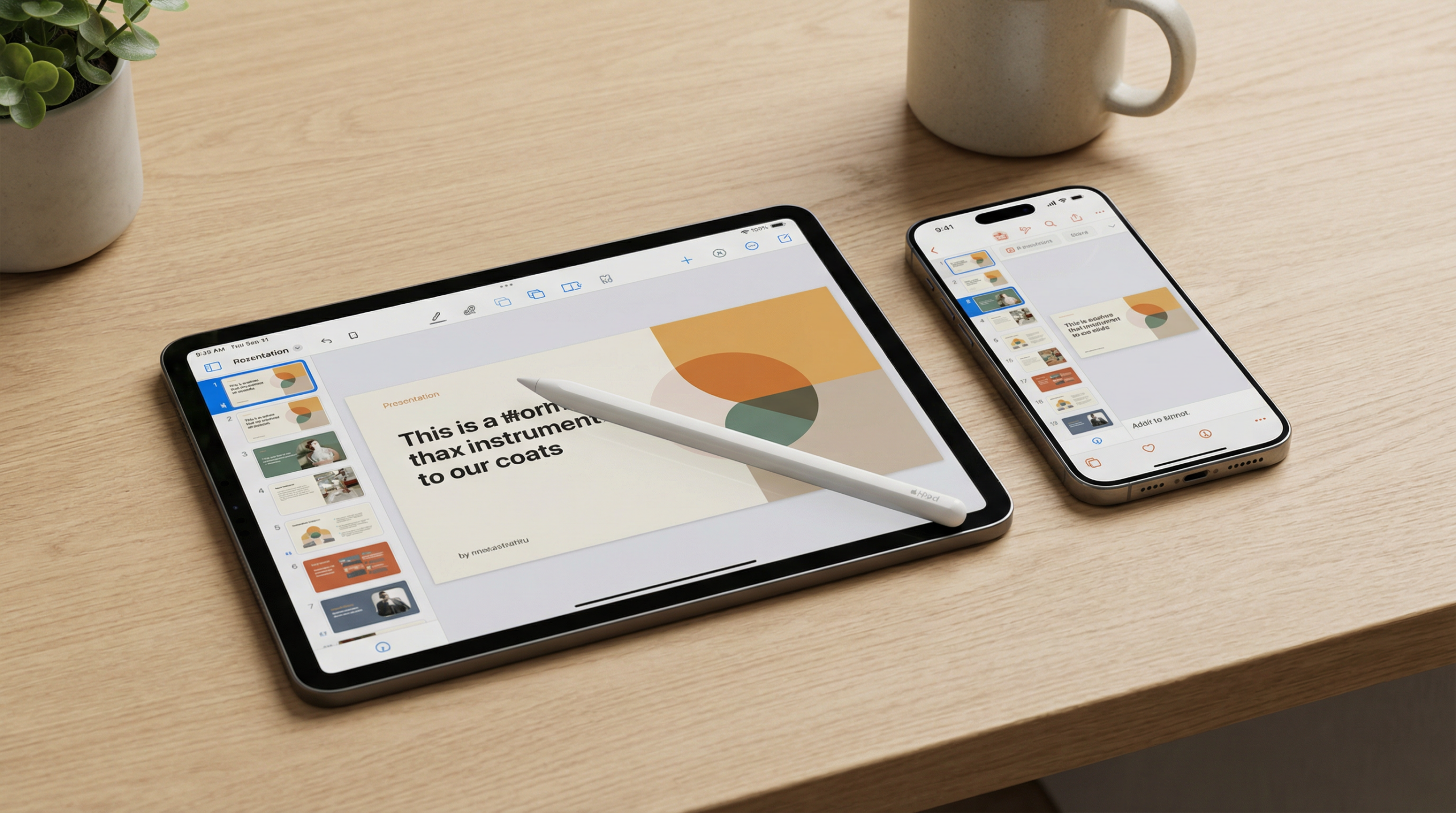
You need a single source of truth. Google Slides is standard, but Pitch is my current favorite for teams. It has great templates and smooth collaboration features.
4. AI Assistants for Presenters
AI is changing how we work. You can use tools to practice your delivery. Some apps analyze your pacing and filler words. They give you private feedback after the call.
Actionable step: Record your next low-stakes internal presentation. Watch the playback at 1.5x speed. You will immediately notice your physical tics and verbal crutches.
5. Hardware Matters Too
Software is only half the battle. Your hardware needs to be solid. Get a good microphone. Bad audio ruins good presentations faster than bad video. A simple USB mic is a huge upgrade over laptop audio.
Use a ring light or sit facing a window. Good lighting makes you look professional. Elevate your laptop so the camera is at eye level.
Conclusion
Mastering remote presentation tools takes practice. Don’t try to learn them all at once. Pick one or two and get really good at them. If you want to automate your workflow even further, look into Manus AI to help streamline your daily tasks.

About Melinda Pearson
Melinda is the founder of The Slide House. She helps startups and executives create presentations that win deals and inspire audiences.
🎁 Free Download: 5 Slides That Win Clients
Enter your email to get instant access to your free Presentation Design Cheat Sheet + the 5 slides every winning client deck must have.
Frequently Asked Questions
Upgrade Your Remote Presentations Today
If you want to create blog posts, social captions, and marketing copy in minutes, Blaze.ai uses AI to generate on-brand content at scale — perfect for busy presentation designers who also need to market their services.
For additional research, see Harvard Business Review for business communication and leadership. For additional research, see Nielsen Norman Group for research-backed communication and UX.
If you want to go deeper, read Structure Consulting Presentation Maximum Impact for another practical example. If you want to go deeper, read How to Write Speaker Notes Presentation Like a Pro for another practical example.
Need a presentation designed for you? TheSlidehouse creates professional slide decks for consultants, business owners, and entrepreneurs. Get started here →
If you want to draft presentations faster without starting from a blank slide, Gamma is a practical option for turning ideas into polished decks and visual documents more quickly.

Melinda Pearson is the founder of The Slide House and a presentation designer with 10+ years of experience helping consultants, startup founders, and business owners turn complex ideas into clear, persuasive slide decks. Learn more about Melinda.
Frequently Asked Questions
What should remote presentation tools for virtual teams include?
Remote Presentation Tools for Virtual Teams should include a clear narrative, concise visuals, and a direct explanation of what the audience should do next.
How long should remote presentation tools for virtual teams be?
Most business presentations work best when each slide has one core point and the overall deck stays focused on the decision being made.
How can I make the slides more persuasive?
Use evidence, strong structure, and examples that match the audience’s priorities, then reinforce the recommendation with a clear next step.
Should I include supporting data?
Yes. Use only the evidence that helps the audience make the decision, and present it in a visual format that is easy to understand quickly.