
Giving a great presentation feels good. You connect with your audience. Your message sticks. But it takes more than just talking. Your slides matter a lot. That’s where smart PowerPoint presentation tips come in. They help you build impact. They make you look and feel confident. Let’s dive into how you can master your next talk.
Disclosure: This article contains affiliate links. If you click a link and make a purchase, The Slide House may earn a small commission at no extra cost to you. We only recommend tools we genuinely believe will help you create better presentations. Read our full Affiliate Disclosure.
- Keep slides simple with one core idea per slide.
- Use strong visuals to tell your story, not just text.
- Practice your delivery, focusing on your message, not your notes.
- Design for readability: big fonts, high contrast.
- Know your audience and tailor your content to their needs.
Start with Your Story, Not Your Slides
Many people open PowerPoint first. They start typing bullet points. This is a common mistake. Don’t do it. Your presentation isn’t about the software. It’s about your message. It’s about the story you want to tell. What’s the one thing you want your audience to remember?
Before you touch PowerPoint, outline your talk. Think about your main points. What’s the flow? What problem are you solving? What’s your solution? How will you prove it? This approach helps you build a strong narrative. It makes your slides serve your story. Not the other way around. In my experience, a clear story makes everything else easier.
Less is More: The Power of Simplicity
This is perhaps the most important of all PowerPoint presentation tips. Your slides are visual aids. They are not your script. Each slide should have one main idea. One. Not five. Not ten. Just one. This keeps your audience focused. It prevents them from reading ahead. It makes them listen to you.
Think about a billboard. It has a big picture and a few words. That’s what your slides should be like. Use keywords. Use short phrases. Avoid dense paragraphs. A SaaS startup we worked with had slides full of text. We helped them cut it down by 80%. Their pitch became much clearer. Investors paid more attention. The result? They closed a significant funding round. This aligns with findings from DocSend’s Startup Index, which often highlights that shorter, more concise pitch decks tend to perform better with investors.
Design for Impact and Readability
Good design isn’t just about looking pretty. It’s about being effective. Your audience needs to see your slides clearly. Use large fonts. I usually recommend at least 24pt for body text. Even larger for titles. Choose fonts that are easy to read. Sans-serif fonts like Arial or Helvetica are often best.
Contrast is key. Dark text on a light background works well. Or light text on a dark background. Make sure there’s a strong difference. Poor contrast makes slides hard to read. This distracts your audience. It makes them tired. They stop paying attention. Consider your brand colors. But always prioritize readability first. You can find more specific advice on making your visuals pop in our post on Presentation Design Tips That Make Slides Stand Out.
Visuals Trump Text: Show, Don’t Just Tell
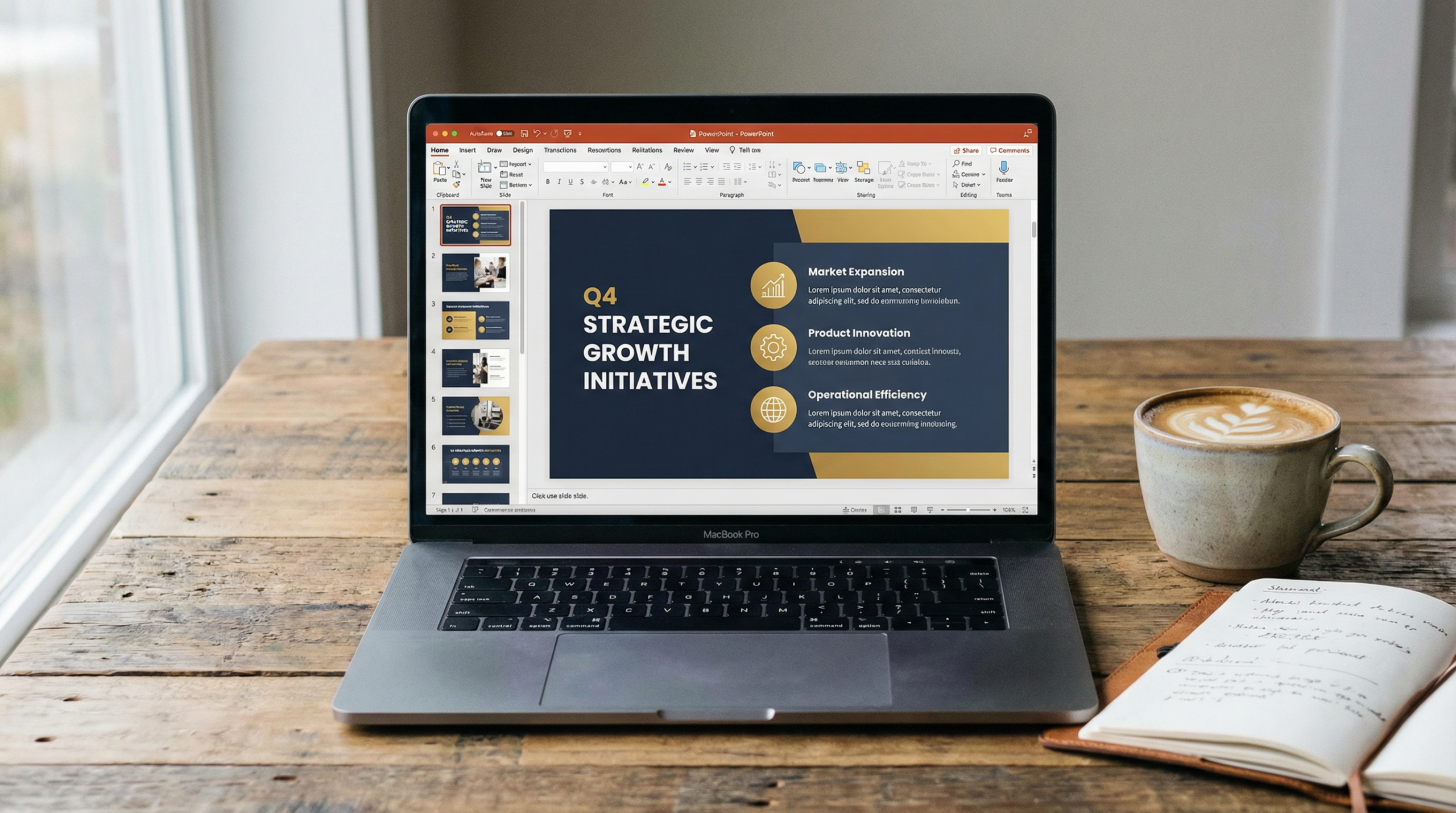
Our brains process images much faster than text. Use this to your advantage. Replace bullet points with powerful images. Use graphs and charts to show data. Not tables of numbers. A well-chosen image can convey complex ideas instantly. It makes your presentation more memorable. It makes it more engaging.
If you have data, visualize it. Bar charts, line graphs, pie charts. Choose the right one for your data. Label them clearly. Make sure they are easy to understand at a glance. Don’t just paste an Excel screenshot. Design your charts for clarity. This is a core principle in visual communication. As presentation experts, we often transform complex data into compelling visual stories for our clients. For instance, if you’re trying to explain intricate processes, using diagrams or flowcharts can be far more effective than text-heavy explanations.
Practice, Practice, Practice (and Get Feedback)
Even the best slides won’t save a bad delivery. Practice is crucial. Rehearse your talk out loud. Time yourself. Do you fit within your allocated slot? Practice in front of a mirror. Record yourself. Watch it back. You’ll spot things you didn’t notice before. Are you fidgeting? Do you say ‘um’ a lot? Are you looking at your slides too much?
Get feedback from others. Ask a colleague or friend to watch you. They can give you fresh insights. They can tell you what’s clear and what’s confusing. This feedback is priceless. It helps you refine your message. It builds your confidence. Remember, the goal is to be conversational. You want to connect with your audience. Not just read from your notes. Mastering your delivery is just as important as mastering your slides, especially when you’re working on something high-stakes like How to Make a Pitch Deck That Gets Funded.

Know Your Audience and Tailor Your Content
Who are you talking to? What do they already know? What do they care about? These questions are vital. Your presentation for investors will be different from one for colleagues. A talk for a general audience will differ from one for experts. Tailor your language. Tailor your examples. Tailor your level of detail.
Show them why your message matters to *them*. What’s in it for them? This creates relevance. It keeps them engaged. If you’re selling a product, focus on benefits, not just features. If you’re teaching, explain concepts in a way they can grasp. This audience-centric approach is a hallmark of effective communication. It shows respect. It builds trust. For complex or recurring tasks like audience research and content tailoring, consider using tools that can automate parts of this process, such as an AI agent platform like Manus AI. You can explore how it works for various complex tasks here: Manus AI.
Conclusion
These PowerPoint presentation tips will help you stand out. Start with your story. Keep your slides simple. Design for clarity. Use strong visuals. Practice your delivery. And always know your audience. Following these steps will make your next presentation shine. You’ll feel more confident. Your message will be clearer. And your audience will thank you. Ready to transform your presentations? We can help. Let’s create something amazing together.
Need a Professionally Designed Deck?
We build investor-ready, boardroom-quality presentations for founders, executives, and sales teams.
Get Your Custom Deck →If you want to create blog posts, social captions, and marketing copy in minutes, Blaze.ai uses AI to generate on-brand content at scale — perfect for busy presentation designers who also need to market their services.
For additional research, see Harvard Business Review for business communication and leadership. For additional research, see Nielsen Norman Group for research-backed communication and UX.
Need a presentation designed for you? TheSlidehouse creates professional slide decks for consultants, business owners, and entrepreneurs. Get started here →
If you want to draft presentations faster without starting from a blank slide, Gamma is a practical option for turning ideas into polished decks and visual documents more quickly.
🎁 Free Download: 5 Slides That Win Clients
Enter your email to get instant access to your free Presentation Design Cheat Sheet + the 5 slides every winning client deck must have.
Frequently Asked Questions
What should powerpoint tips for confident speakers include?
PowerPoint Tips for Confident Speakers should include a clear narrative, concise visuals, and a direct explanation of what the audience should do next.
How long should powerpoint tips for confident speakers be?
Most business presentations work best when each slide has one core point and the overall deck stays focused on the decision being made.
How can I make the slides more persuasive?
Use evidence, strong structure, and examples that match the audience’s priorities, then reinforce the recommendation with a clear next step.
Should I include supporting data?
Yes. Use only the evidence that helps the audience make the decision, and present it in a visual format that is easy to understand quickly.