
Disclosure: This post may contain affiliate links. I may earn a small commission if you purchase through these links, at no extra cost to you.
Disclosure: This article contains affiliate links. If you click a link and make a purchase, The Slide House may earn a small commission at no extra cost to you. We only recommend tools we genuinely believe will help you create better presentations. Read our full Affiliate Disclosure.
Hey there, presentation people! Melinda Pearson here, founder of The Slide House. I’ve spent years helping businesses, big and small, turn boring slides into powerful stories. And let me tell you, it’s not just about making things pretty. It’s about making them effective. It’s about getting your message across clearly, quickly, and memorably. In my experience, a great presentation can open doors, close deals, and even change minds. A bad one? Well, let’s just say it can do the opposite. So, how do you make sure your slides are always on point? Let’s dive into some of my go-to strategies.
Key Takeaways
- Structure is the foundation of any successful presentation.
- Keep your message clear, concise, and focused on the audience.
- Design supports your narrative, it doesn’t replace it.
Clarity First, Always
This might sound obvious, but it’s the most overlooked rule. Your slides are there to support your message, not to be your message. Think of them as visual aids. Each slide should have one main idea. Just one. If you find yourself cramming multiple points onto a single slide, stop. Break it up. Your audience will thank you.
A SaaS startup we worked with, let’s call them “CloudConnect,” came to us with a deck that was a wall of text. Seriously, tiny fonts and paragraphs. They were trying to explain their complex software in one go. We helped them distill each feature into its own slide, using simple icons and short, punchy headlines. The result? Their sales team saw a 30% increase in demo requests because prospects actually understood what they were offering.
Design for Readability and Impact
Good design isn’t just about aesthetics; it’s about function. Choose fonts that are easy to read. Sans-serif fonts like Arial, Helvetica, or Lato are usually best for screens. Keep your font sizes large enough to be seen from the back of the room – at least 24pt for body text, larger for headlines. Use high-contrast colors. Dark text on a light background, or vice-versa, works best. Avoid busy backgrounds that compete with your content.
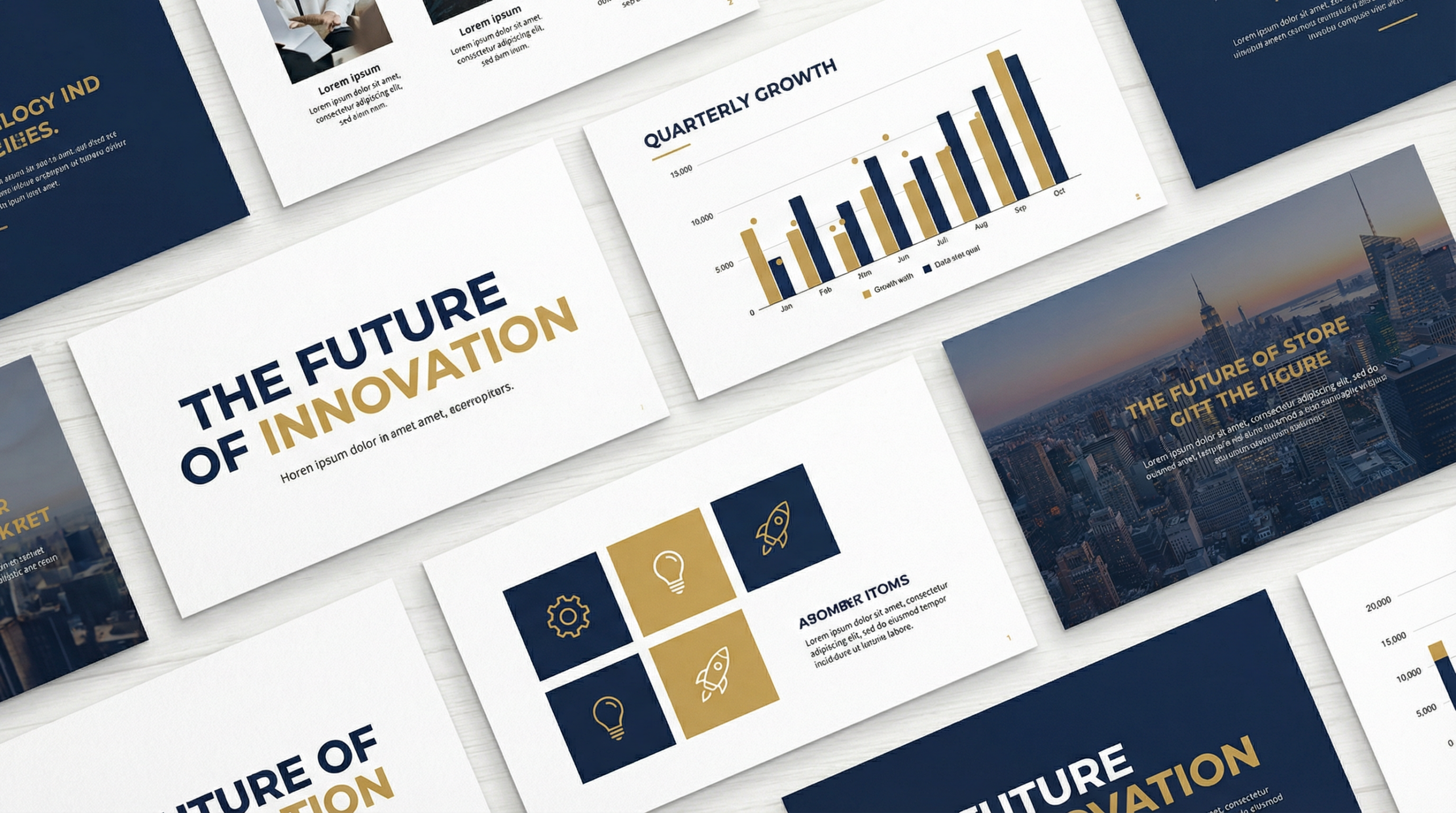
When it comes to visuals, less is often more. Use high-quality images and graphics. Avoid clip art from the 90s. If you use charts, make them simple and clear. Don’t include every data point if only a few are critical. The goal is instant comprehension. Your audience shouldn’t have to squint or decode your slides.
The Rule of Three (and Beyond)
Here’s a technique only an expert presentation designer would truly emphasize: the “Rule of Three” isn’t just for writing. It’s fantastic for visual design too. When you have lists, try to keep them to three main points per slide. If you have more, consider breaking them into multiple slides or using a visual grouping technique. For example, instead of a bulleted list of 7 items, group them into 2-3 categories, each with its own visual. This makes information much more digestible.
Another trick is to use visual hierarchy. Make the most important elements on your slide stand out. This could be through size, color, or placement. Your audience’s eyes should naturally be drawn to what matters most. Think about how a newspaper designs its front page – headlines are big, important stories are at the top. Apply that same logic to your slides.
Tell a Story, Don’t Just List Facts
Humans are wired for stories. We remember narratives much better than disconnected facts. Structure your presentation like a story. Start with a problem, introduce your solution, show the benefits, and end with a call to action. This creates an emotional connection and makes your message stick. Even a data-heavy presentation can be framed as a story about insights and their impact.
According to a study by Harvard Business Review, stories are up to 22 times more memorable than facts alone. That’s a huge difference! So, instead of just presenting data, tell the story behind the data. What does it mean? What problem does it solve? What opportunity does it reveal? This is where your expertise truly shines.

Practice Makes Perfect (and Polished Slides)
Your slides are only one part of the equation. Your delivery is just as crucial. Practice your presentation out loud. Time yourself. Make sure you’re not rushing or dragging. The more comfortable you are with your material, the more natural and confident you’ll appear. And guess what? Practicing often reveals areas where your slides might be confusing or unnecessary.
A specific, immediately actionable step you can take today: record yourself giving your presentation. Watch it back. Do your slides flow well with what you’re saying? Are there moments where you’re reading directly from the slide? If so, simplify that slide. Your slides should be cues for you and visual anchors for your audience, not teleprompters. For a seamless presentation experience, I often recommend tools like Manus AI to help refine your delivery and timing.
Keep it Simple, Seriously
This is the golden rule. Every element on your slide should earn its place. If it doesn’t add value, remove it. This applies to text, images, charts, and even animations. Overly complex slides overwhelm your audience and dilute your message. Think “minimalist” but “impactful.”
Embrace white space. It’s not empty; it’s design. White space helps guide the eye and makes your content feel less cluttered. It gives your message room to breathe. A clean, uncluttered slide looks professional and makes your content easier to absorb. Remember, your audience is processing a lot of information – make it easy for them.
Forbes also has some great tips on effective presentations if you want to dive deeper into the broader strategy.🎁 Free Download: 5 Slides That Win Clients
Enter your email to get instant access to your free Presentation Design Cheat Sheet + the 5 slides every winning client deck must have.
Frequently Asked Questions
How many slides should a 30-minute presentation have?
A good rule of thumb is one slide per minute, so around 30 slides. But it really depends on your content. Some slides might be quick visual cues, others might require more discussion. Focus on clarity over quantity.
What’s the best font size for presentation slides?
Aim for at least 24pt for body text and 36pt or larger for headlines. The goal is readability from a distance. Test it out in the actual presentation room if possible.
Should I use animations in my slides?
Use animations sparingly and purposefully. Simple fades or wipes can be effective. Avoid overly complex or distracting animations that draw attention away from your message. Less is more here.
Is it okay to put a lot of text on a slide?
No, generally not. Your slides should be visual aids, not teleprompters. Use bullet points, keywords, and images. Keep text to a minimum and elaborate verbally. If you have a lot of detailed information, consider a handout instead.
And there you have it! These are the core principles I live by when crafting presentations for my clients. Remember, your slides are a tool to enhance your message, not replace it. With a little thought and adherence to these best practices, you can create presentations that truly resonate and achieve your goals.
Ready to transform your next presentation? Let The Slide House help you tell your story with impact. Order your custom presentation today!

Melinda Pearson
Founder of The Slide House. I help startups and executives turn complex ideas into clear, persuasive presentations that win deals and raise capital.
If you work with a team, Pitch makes it easy to collaborate on slides in real time — everyone edits the same deck without emailing files back and forth.
For additional research, see Nielsen Norman Group for research-backed communication and UX.
If you want to go deeper, read Structure Consulting Presentation Maximum Impact for another practical example. If you want to go deeper, read How to Write Speaker Notes Presentation Like a Pro for another practical example.
Need a presentation designed for you? TheSlidehouse creates professional slide decks for consultants, business owners, and entrepreneurs. Get started here →
If you want to draft presentations faster without starting from a blank slide, Gamma is a practical option for turning ideas into polished decks and visual documents more quickly.

Melinda Pearson is the founder of The Slide House and a presentation designer with 10+ years of experience helping consultants, startup founders, and business owners turn complex ideas into clear, persuasive slide decks. Learn more about Melinda.
Frequently Asked Questions
What should master presentation slide design best practices include?
Master Presentation Slide Design Best Practices should include a clear narrative, concise visuals, and a direct explanation of what the audience should do next.
How long should master presentation slide design best practices be?
Most business presentations work best when each slide has one core point and the overall deck stays focused on the decision being made.
How can I make the slides more persuasive?
Use evidence, strong structure, and examples that match the audience’s priorities, then reinforce the recommendation with a clear next step.
Should I include supporting data?
Yes. Use only the evidence that helps the audience make the decision, and present it in a visual format that is easy to understand quickly.